SpringBoot集成Redis缓存数据

一、引言
Redis是目前使用最为广泛的非关系型数据库,常用于Web项目中缓存数据。在访问量非常高的项目中,用户每与系统进行交互都将伴随后端对数据库的操作,通常其中最多的操作类型为查询,大量的访问数据库可能会导致数据库不堪重负。因此,使用Redis来缓存查询结果数据成了一个良好的解决方案,在首次查询时将查询结果缓存至Redis数据库中,下次查询同样的数据即从缓存中提取数据并返回。当数据库中的原始数据发生改变时,清楚Redis缓存,以保证数据同步。
二、步骤
1.安装Redis数据库
由于Redis官方团队仅针对Linux系统进行了开发,受限于设备而不得不使用Windows操作系统可以选择下载由Microsoft Archive团队开发的Windows版本,项目访问地址为https://github.com/microsoftarchive/redis。
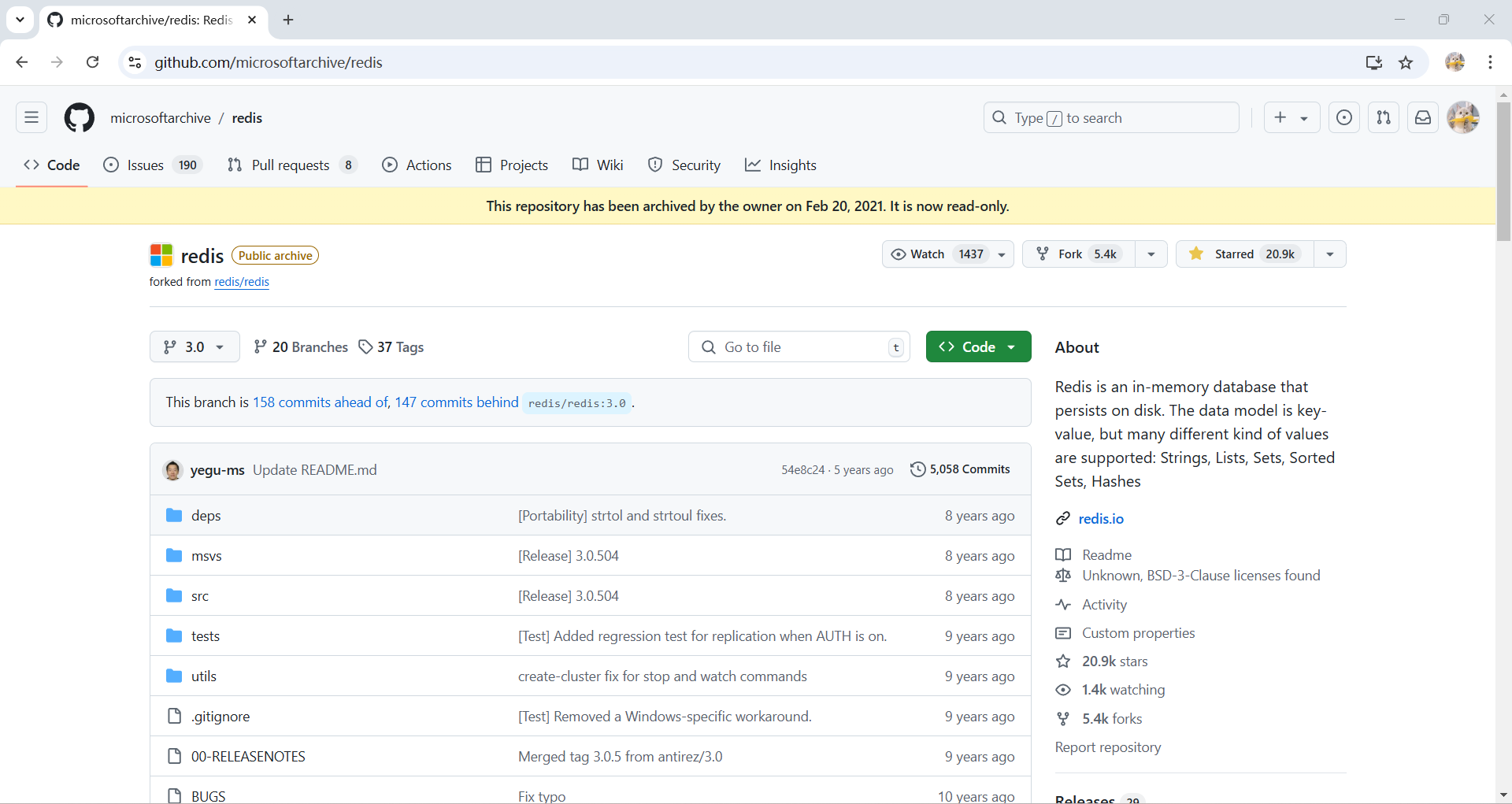
图 1:Microsoft Archive 维护的 Redis Windows 版本仓库,可通过 Releases 下载发行包。
下载项目Release发布中合适版本后,解压文件内容如下。双击运行redis-server.exe文件即可启动Redis服务,启动前请注意6379端口的占用情况。然后可通过运行redis-cli.exe即Redis客户端程序,进行数据库操作。
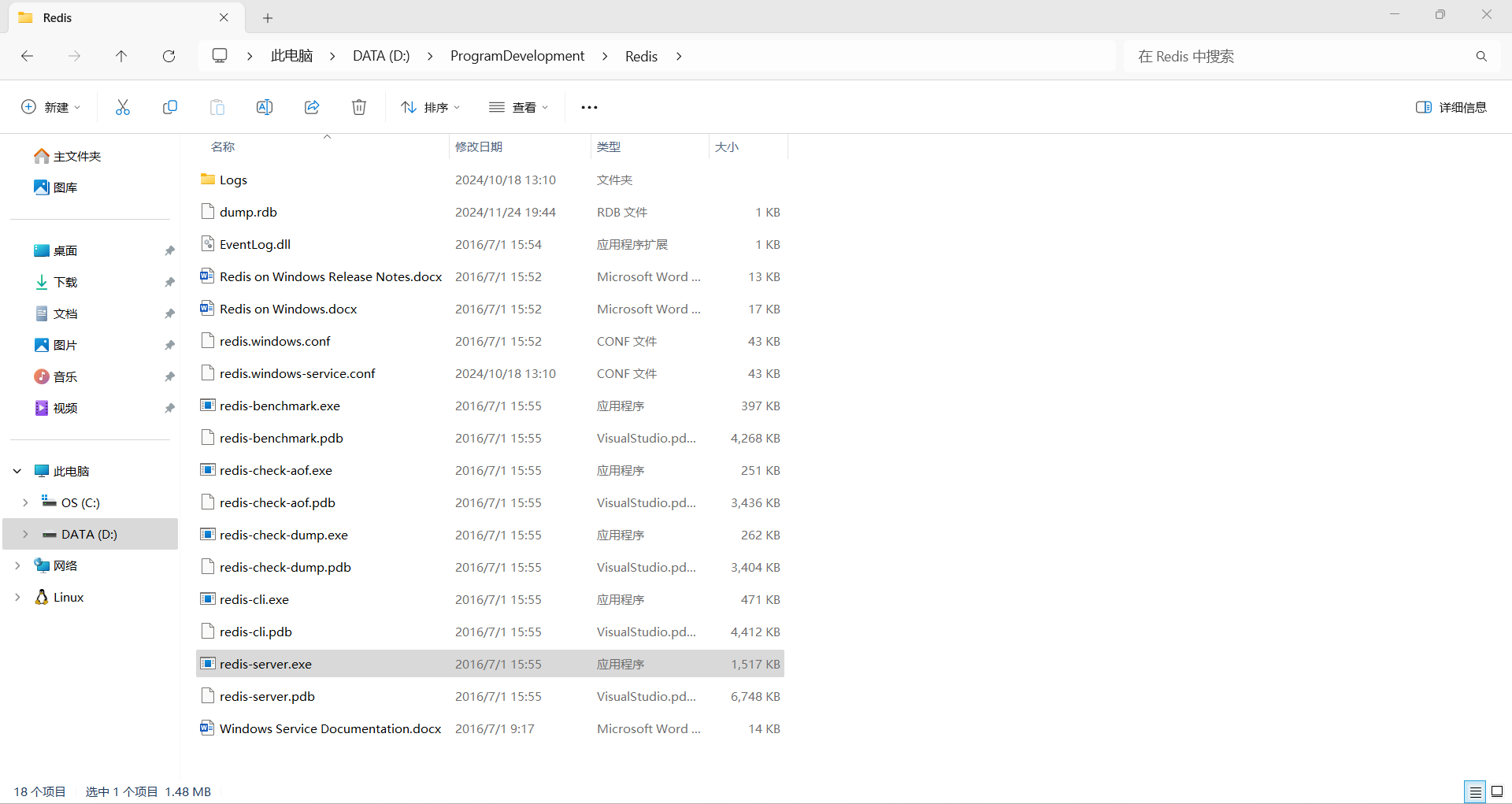
图 2:Redis Windows 发行包解压后的文件目录,包含服务端和命令行客户端程序。
2.导入相关依赖
根据SpringBoot版本的不同,在Maven依赖中已对Redis这种常用依赖做好了依赖适配,因此在具体pom.xml文件中无需填写对应version。
1 | <dependency> |
3.GUI工具使用
推荐一款界面风格简洁,交互使用流畅的Redis数据库GUI工具——AnotherRedisDesktopManager。从名字能够看出,已经存在一款名为RedisDesktopManager的同类工具,务必注意名称,不要找错工具。
项目的访问地址为https://github.com/qishibo/AnotherRedisDesktopManager,仍然通过Release发布下载安装包,一路默认选择即可快速完成安装。
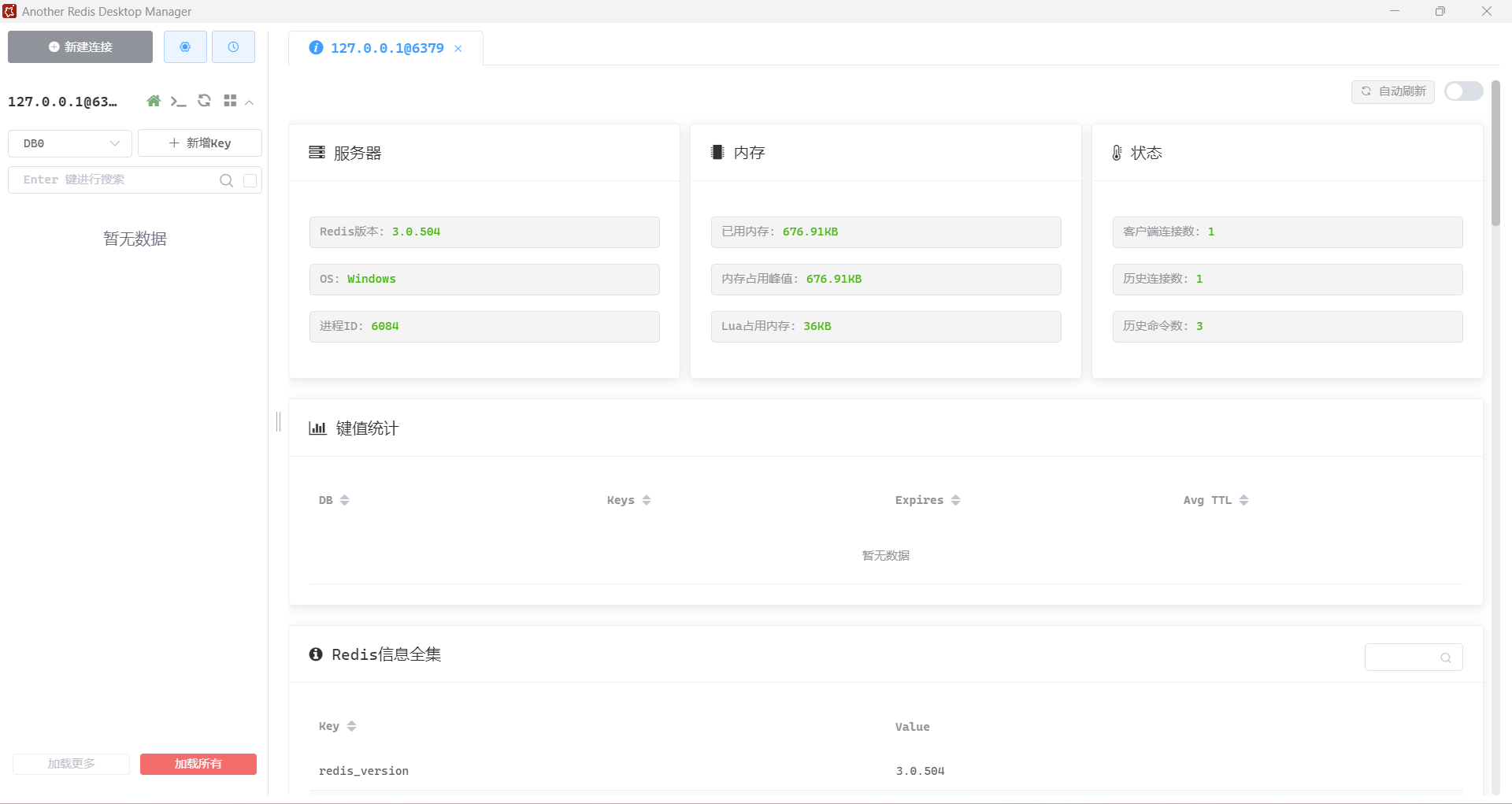
图 3:AnotherRedisDesktopManager 连接 Redis 后的管理界面,展示服务器、内存和连接状态。
4.编写项目配置文件
Redis服务端安装在Windows本机上,主机配置127.0.0.1或localhost,端口默认为6379。
1 | spring: |
5.书写测试代码
RedisTemplate类的对象由Spring框架进行Bean管理,在项目启动执行的过程中,自动注入。
1 |
|
6.自定义RedisTemplate对象
使用SpringBoot框架默认提供的RedisTemplate对象Bean时,在存储key时会将字符串序列化,使得Redis中存储的key前面多上一串难以阅读的序列化字符,妨碍对缓存数据的查看,同时影响数据库中key的模糊匹配。
因此,需要自定义RedisTemplate对象Bean来解决,设置key的序列化方式为字符串序列化,这样以字符串作为key存入Redis数据库过程中进行序列化后,将不会出现难以理解的序列化字符前缀。
1 |
|
三、写在最后
使用Redis来进行缓存数据的存取已经成了大多数项目的公认选择,除了缓存数据库中的查询数据以外,手机短信验证码的定时过期也可以通过Redis来实现。此外,适合自己的GUI工具也能够帮助开发者更有效的进行开发和学习。
- Title: SpringBoot集成Redis缓存数据
- Author: QingchenJia
- Created at : 2024-11-26 19:49:56
- Updated at : 2026-10-26 00:05:33
- Link: https://qingchenjia.github.io/2024/11/26/SpringBoot集成Redis缓存数据/
- License: This work is licensed under CC BY-NC-SA 4.0.